What we automate
Five areas where repetitive manual work can be automated fastest.
Request a free prototypeDocument automation
Receipts and forms land in the right system without retyping.
Many companies copy content from documents into other systems by hand: invoices, contracts, forms, scanned paperwork. This work can be described precisely, which makes it well suited to automation.
We build systems that receive documents, extract the relevant content, check it against rules or existing data and pass it on in a structured form. To a database, an existing program, a new format. The system detects and flags faulty or incomplete documents automatically.
It complements your existing software: the manual step between document and system disappears.

Data analysis & reporting
You see anomalies right away in the finished report.
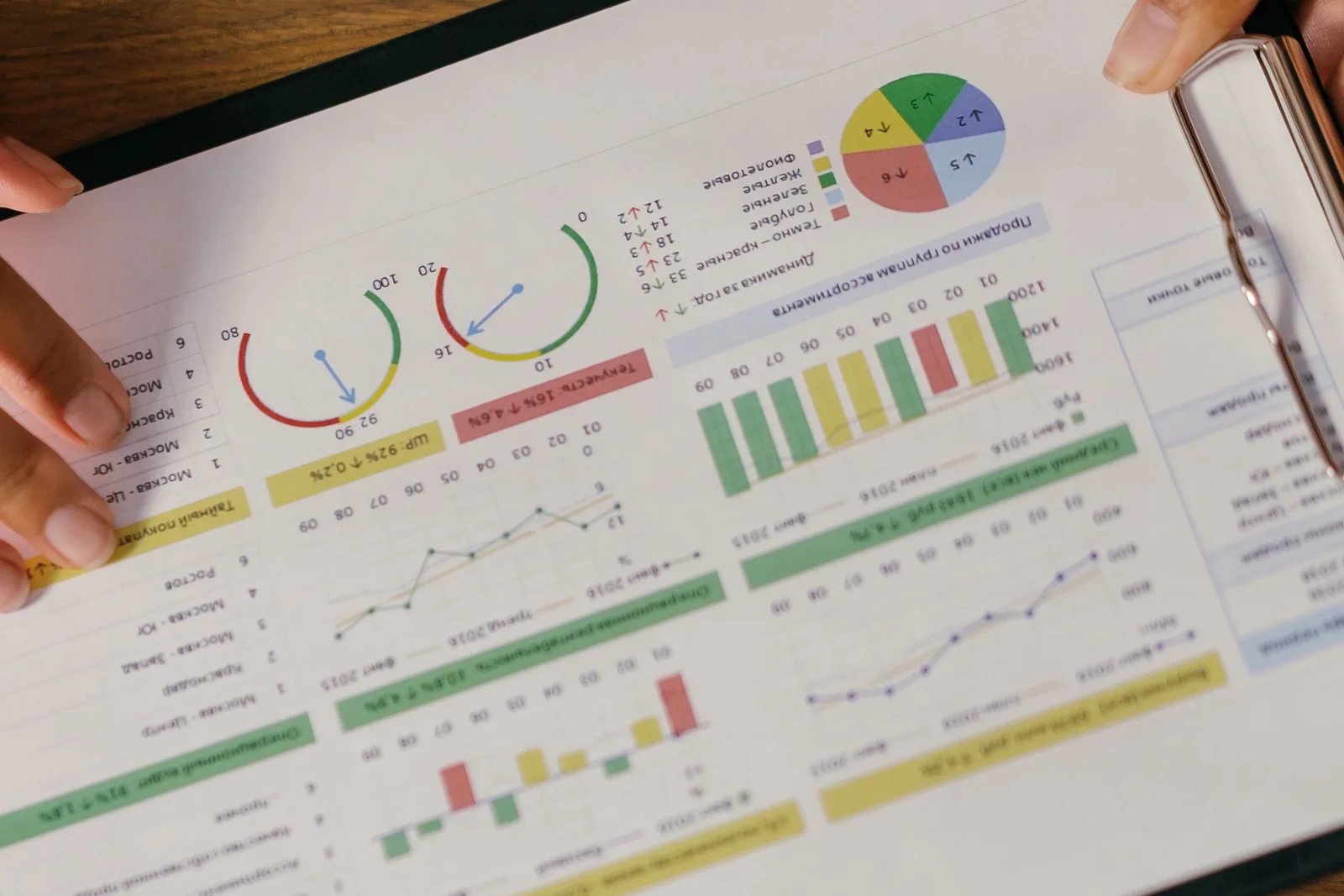
Many companies collect far more data in their systems than they evaluate in daily work. The numbers are there, but nobody has time to go through them in a structured way on a regular basis.
We build analyses that automatically examine spreadsheets, CSV exports or database extracts: trends over time, outliers, deviations from target values, recurring patterns. The result is a concrete assessment of what stands out and what action follows.
The analysis runs repeatedly on the same data, so it works as an ongoing reporting process.
Routine & follow-up processes
Follow-ups and reminders run on their own, and your team gets relief.
In many companies a large part of administrative work follows the same pattern: something is missing, someone has to ask, keep track of the status and eventually send a reminder. Each step is small. Added up over months, they tie up a noticeable amount of working time, especially in professions with many cases at once.
We build systems that take over this flow: who is missing what, since when. Requests and reminders go out automatically, and the status is reconciled continuously. People only get involved again when a decision is needed that the system cannot make.
In many industries, such as accounting firms, trades or property management, chasing missing documents is a common example of this pattern. The principle carries over to any comparable process: check status, remind, document.

AI integration into existing systems
Your team keeps working in familiar software, just with less manual work.
Replacing an existing system entirely is costly, risky and in most cases unnecessary. Often it is enough to connect an AI component to the system you already have, taking over a single task inside it.
We develop integrations through interfaces that communicate with your existing software, database or inventory system. The AI takes over a clearly defined task within the familiar workflow. Your team keeps working in the environment it knows.
That reduces the rollout effort considerably, because your team stays in the familiar environment and your data stays where it already is.

Custom internal applications
All your cases live in one place, and you keep the overview.
Many internal processes grow over years in spreadsheets, shared folders and single documents. Every extension makes the system a little less clear, until hardly anyone has the full picture.
In these cases we build a lean web application for exactly that process. It gets a central interface, input forms that fit the workflow and a history that stays traceable.
The application is tailored to exactly the fields and steps your process needs.

Calculator
How much time one automated routine task saves
Estimate from a single manual task how much time and money a given degree of automation would save per year.
Estimate based on your inputs, not a quote. The actual savings depend on the specific process and become binding only in the effort estimate after the intro call.
How many hours per week does the task take manually today, across the whole team?
Rough cost per working hour, including payroll taxes and benefits.
What share of the task could realistically be automated? The rest stays as manual review.
Estimated savings per year
Example calculation with default values. Adjust the inputs on the left to your task.
Hours per year
Dollars per year
How it is calculated: hours per week × degree of automation × 46 working weeks per year, multiplied by the hourly cost.
Free consultation
Ready for the first step?
While your team sleeps, ours is at work. In the free intro call we look at your process, and afterwards we tell you honestly whether and how automation pays off.
Request a free prototype